
Blog
What’s New in DMX Flashback Events: Sharper Aim, a Smarter Mic and Busier Shows
Nov
The live DMX Flashback Events app is now r39-beta-21, with Mac helper 1.0.0-beta.21. This update is about aiming more accurately, hearing the music even on a quiet input or a Mac with no built-in mic, and keeping the room lit through intros and breakdowns.
Free during the beta: the app, including the Mac helper, is free to use while it is in beta. For a one-page summary, see the overview. The step-by-step help is in the guide.
Aim each moving head from three tape marks
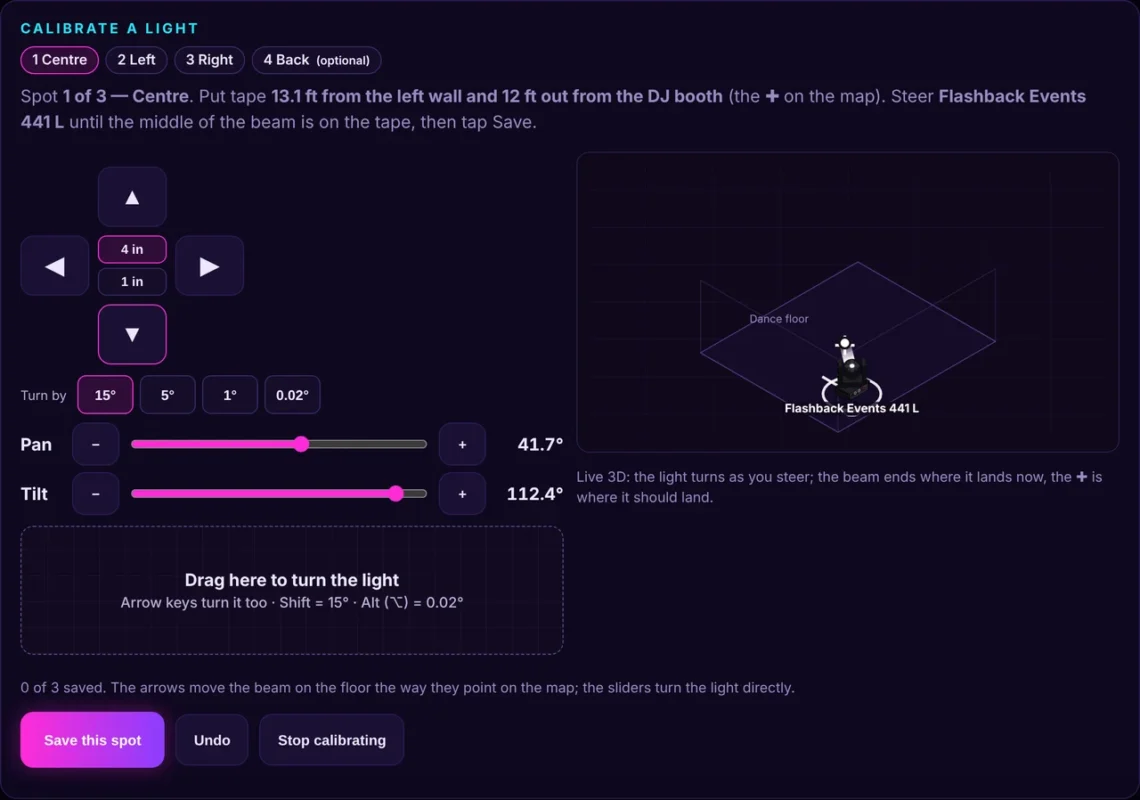
On Spotlight, you can still drag a beam around the floor and follow someone with your finger. To make that aim true to the room, calibrate each moving head with three floor marks (centre, left and right). The beam lands where you expect, and a pair of heads stays together when they move.
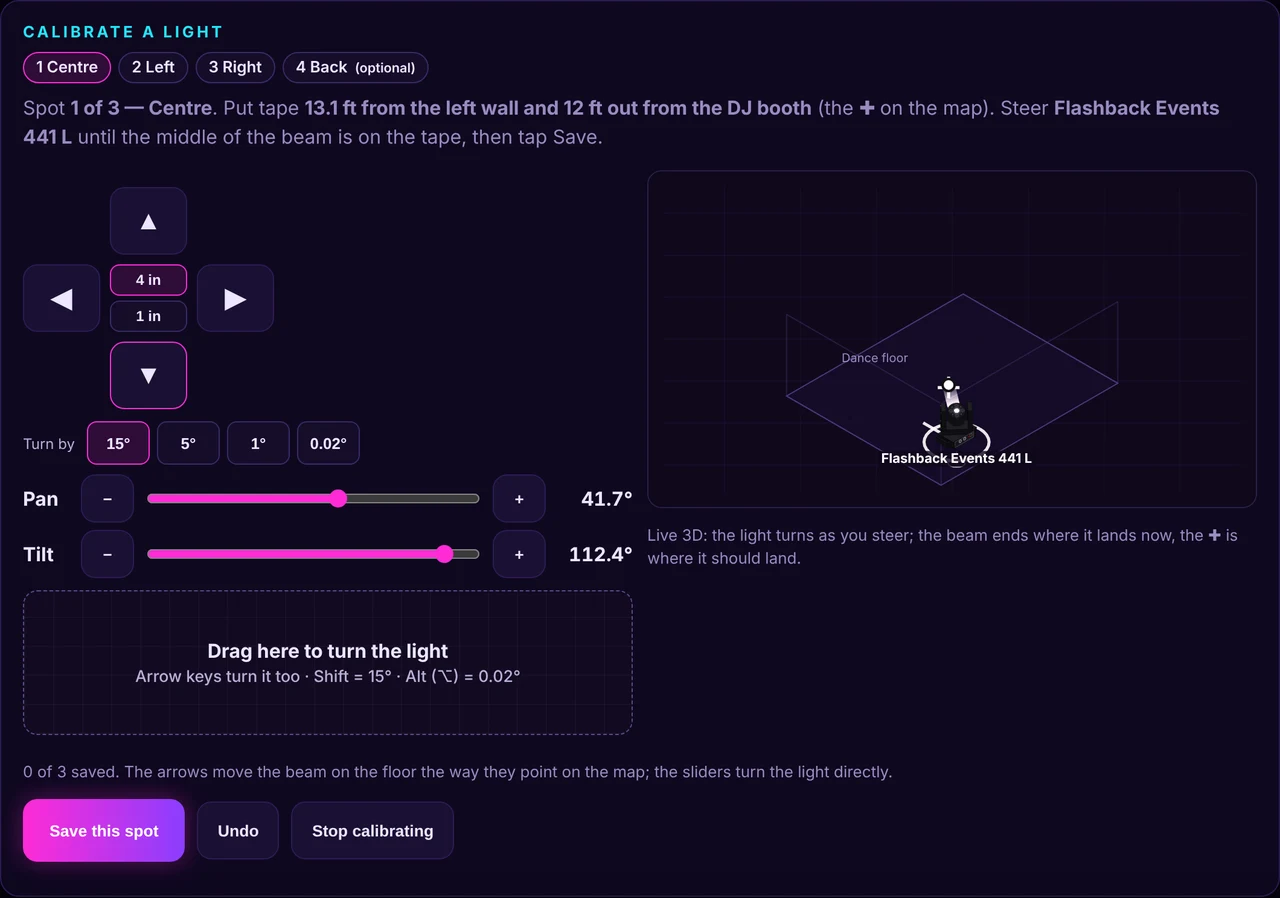
While you calibrate, use Turn by 15°, 5°, 1° or 0.02° to nudge the head. You can also drag the pad (finer when 1° is selected), use the arrow keys (Shift is 15°, Option is 0.02°), and watch a live 3D view of where the beam lands now, with a cross for the target. Save a focus spot from the pan and tilt you have now, and Spotlight drag follows the room more accurately after that.
Find my light, including lights on the wall
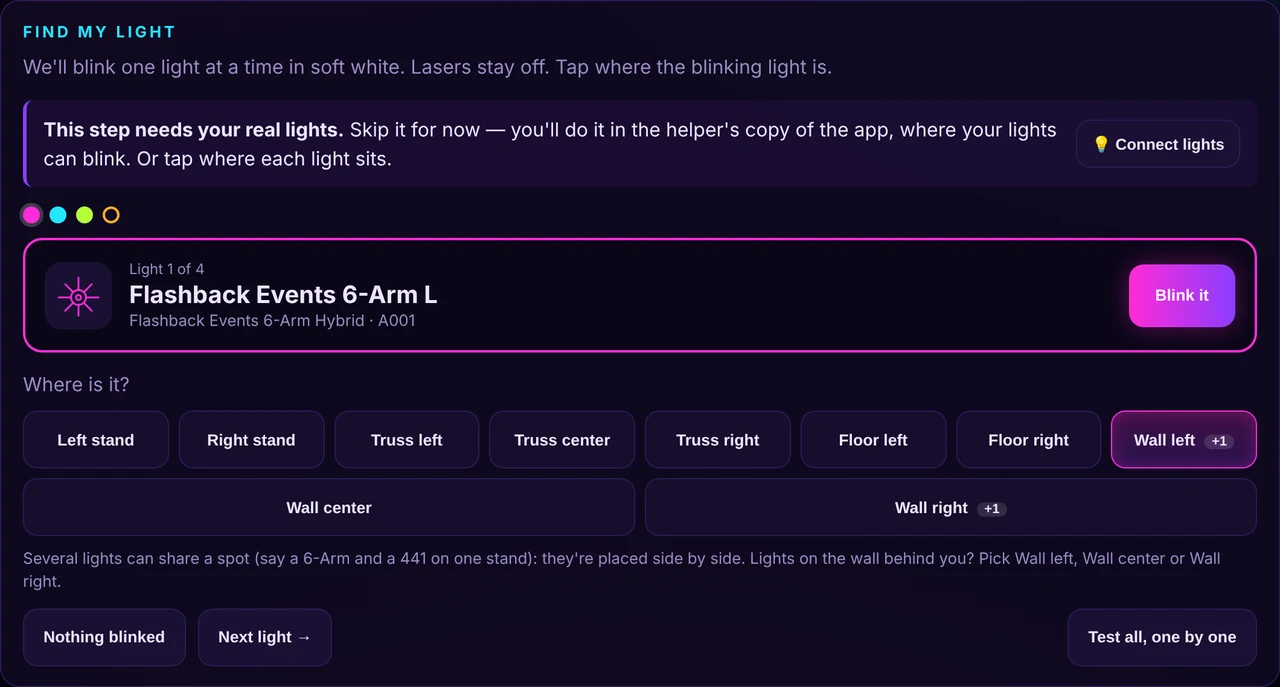
In Find my light, you can place a light on Wall left, Wall center or Wall right, as well as on stands, the truss or the floor. Several lights can share a spot (for example two heads on one stand, or two 6-Arms on the same wall). The app shows +N on that spot and places them side by side, without moving a light you already calibrated.
A mic that works on a quiet input, or with no built-in mic
The first time you tap Start listening in the Mac helper (1.0.0-beta.20 or later), macOS asks whether DMX Flashback Events may use the microphone. Tap OK. If you said no, or it is not asking, open System Settings → Privacy & Security → Microphone, turn on DMX Flashback Events, and try again.
Some Macs, including a Mac mini, have no built-in microphone. If you see No microphone found on this Mac, plug in a USB audio interface from the mixer (best), a USB mic, AirPods, or use an iPhone as the Mac’s mic. Leave Auto gain on: a quiet input is turned up for you, and the meter warns you if the input is still too quiet or is clipping, instead of calling a faint signal “Level good”.
Safari cannot talk to the helper
Safari will not let the website reach the helper on your Mac. Use the helper window itself (the Lights tab, or the DJ tab if you want the Flashback DJ app to drive the lights), or open the app in Chrome. MIDI through the helper also covers Safari users who want a controller’s pads to light up.
Intros and breakdowns stay lit, and the 441s work harder
Quiet parts of a song no longer go nearly dark. In intros, breakdowns and outros, both lights of a pair stay on, the 441s sweep slowly with colour beams and gobos, and the 6-Arms keep moving with a soft pulse. There is a change every phrase. A brief quiet dip inside a song no longer flips the whole room to a near-dark look.
The 441s also use more of their kit through the song: gobos, the prism and the colour beams, with a brightness floor so the beam stays visible (the Bee-Eye has its own floor too). Left and right stay mirrored.
441 rave moves, in step with the 6-Arms
On a peak-of-the-night build-up, the 441s can tilt down from the ceiling bar by bar and land on the dance floor on the drop. On some drop phrases they sweep up and down on the beat, and when the 6-Arms swing their arms, the 441s stay on the same beat grid so all four move together. Pairs stay mirrored. Lasers stay off unless you enable them per light in Controls, and nothing in a show can arm a laser.
Get the update
It is free during the beta. Open the app and download helper 1.0.0-beta.21 from Connect lights (the Helper tab shows the version you have). The guide covers aiming, the mic, Find my light and the show engine in short steps. New to the app? Start with Meet DMX Flashback Events, or the beginner how-to, DMX Lighting for Beginners. Found a bug or have an idea? Tap Feedback in the app.
Follow along for light shows, mixes and app updates: Instagram @dancepartylights, TikTok @yourpartylighting, and YouTube Flashback Events.
